Forgot Password
Recover or reset your account password securely using email verification OTP.
Overview
To reset your password, enter your Client ID (Tenant ID) and registered email address. A one-time password (OTP) will be sent to your email. After successfully verifying the OTP, you can create a new password and regain access to your account.
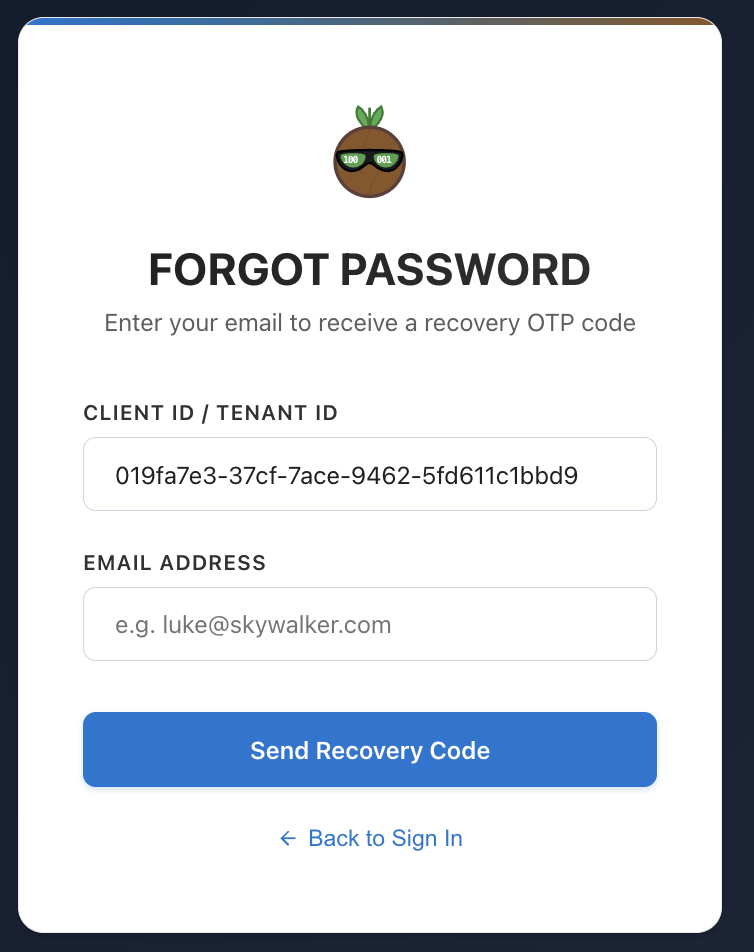
Forgot Password credentials recovery card displaying inputs for Client/Tenant ID and registered Email Address.
Recovery Process Steps
- Enter Client ID (Tenant ID): Identifies your designated corporate tenant context environment.
- Enter Email Address: Your registered profile account email address.
- OTP Verification: Dispatches a One-Time Password (OTP) code to your inbox via the Global Email Manager SMTP server.
- New Password creation: Once validated, you can define new account access credentials.